THE MEDIA STUDIO FIELD GUIDE
Small steps.
Better clips.
Start with a recording. Make a useful edit. Know what you’re sharing. These guides walk through the tools available in Media Studio today.
Open Media Studio ↗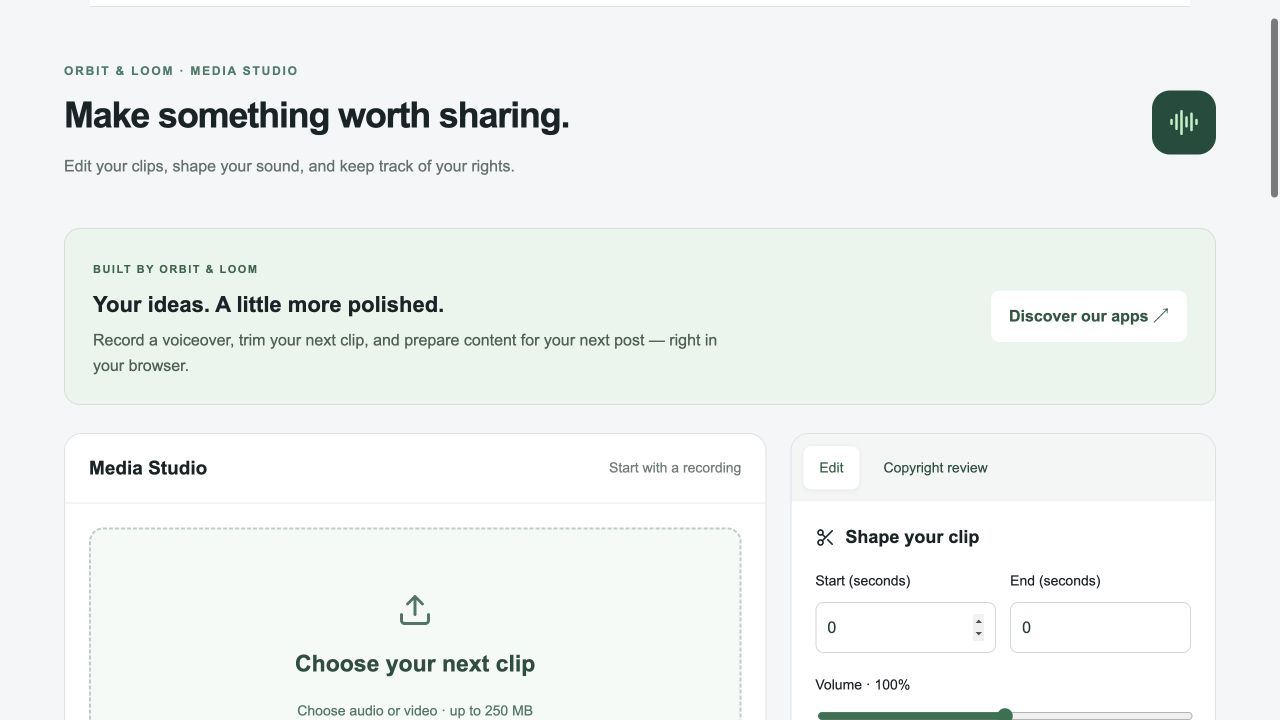
GUIDE 01
How to trim a voice recording in your browser
Turn a longer take into a focused audio clip with trim controls and WAV export.
Read the guide →GUIDE 02How to prepare a vertical video with manual captions
Trim a clip, fit it into a 9:16 layout and add a caption for the whole clip.
Read the guide →GUIDE 03How to keep a media rights record before posting
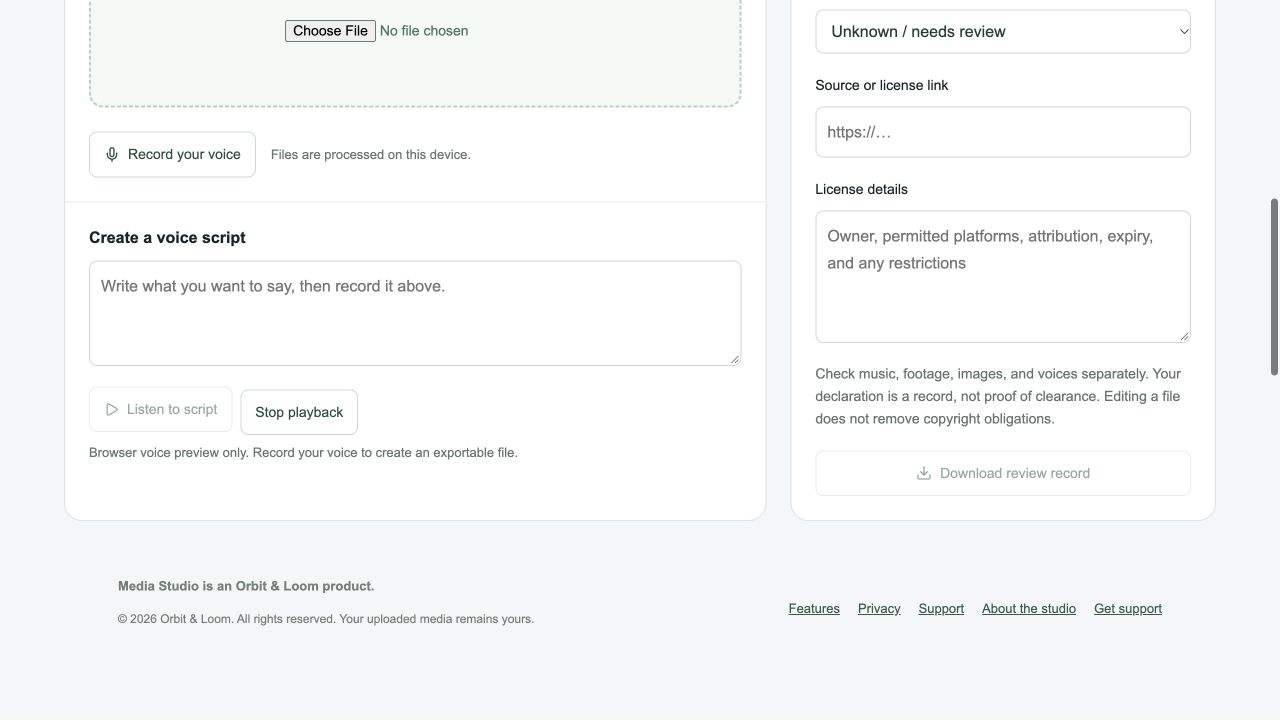
Document where footage and audio came from, what a license allows and what still needs review.
Read the guide →A little clarity before you create
No account is needed. Selected media is processed in your browser. Projects are not saved online, so download your work before leaving.
Need help? Read the support guide or email support@orbitandloom.com.